AMOLED dashboard + enclosure design
Desk Buddy
Seven colorful widgets. A sculpted Perch. A small desk companion that keeps the useful things in view.
480 × 480 canvas
Seven full-screen widgets
99 bridge checks passed
123.8 mm Perch concept
Designed for the desk
Small screen.
A little more presence.
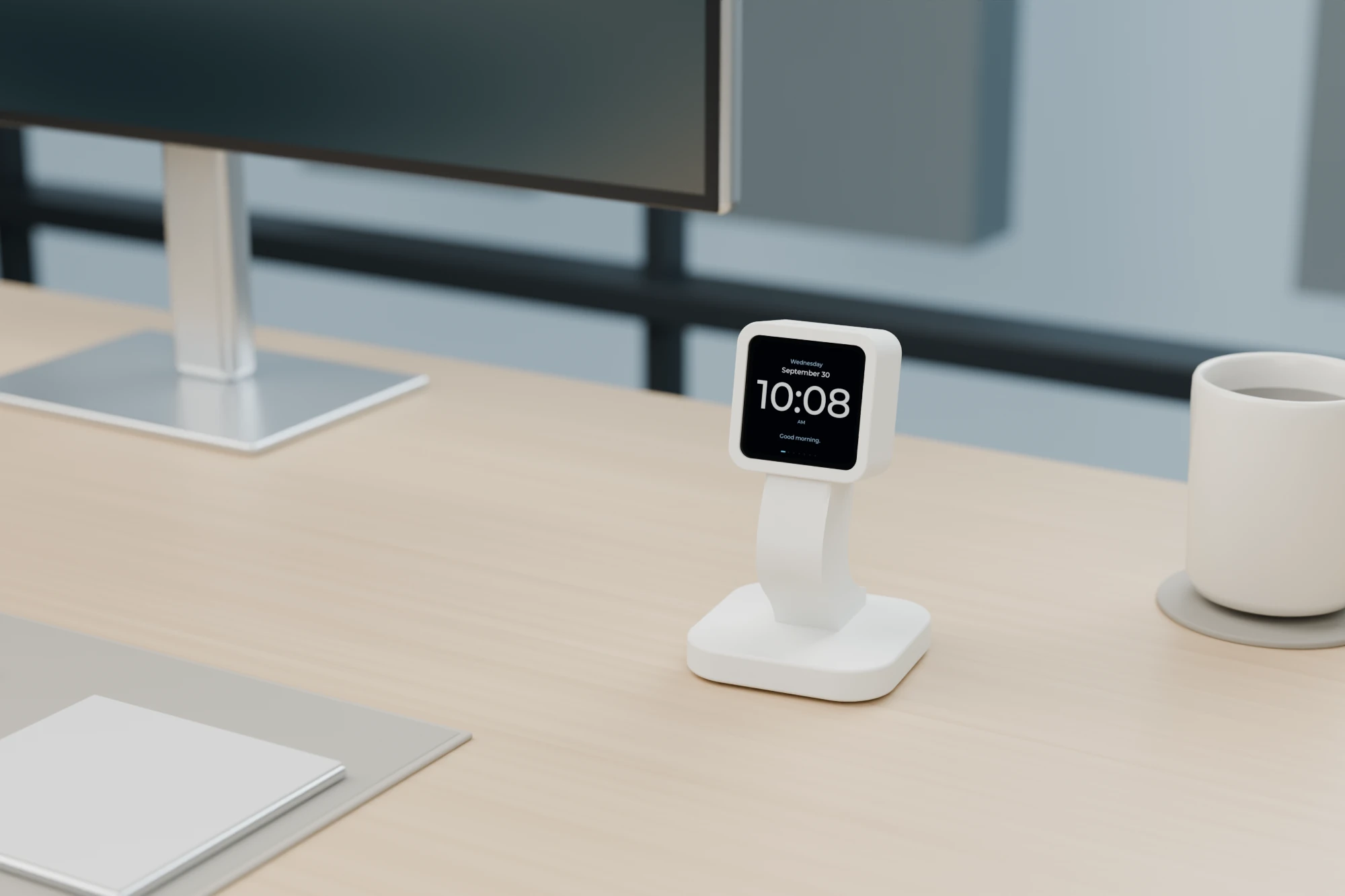
A curved Perch lifts the display into view. A fitted enclosure wraps the board, while the USB-C cable follows a concealed route through the support and base. Matte white keeps the form light; graphite gives it a quieter silhouette.
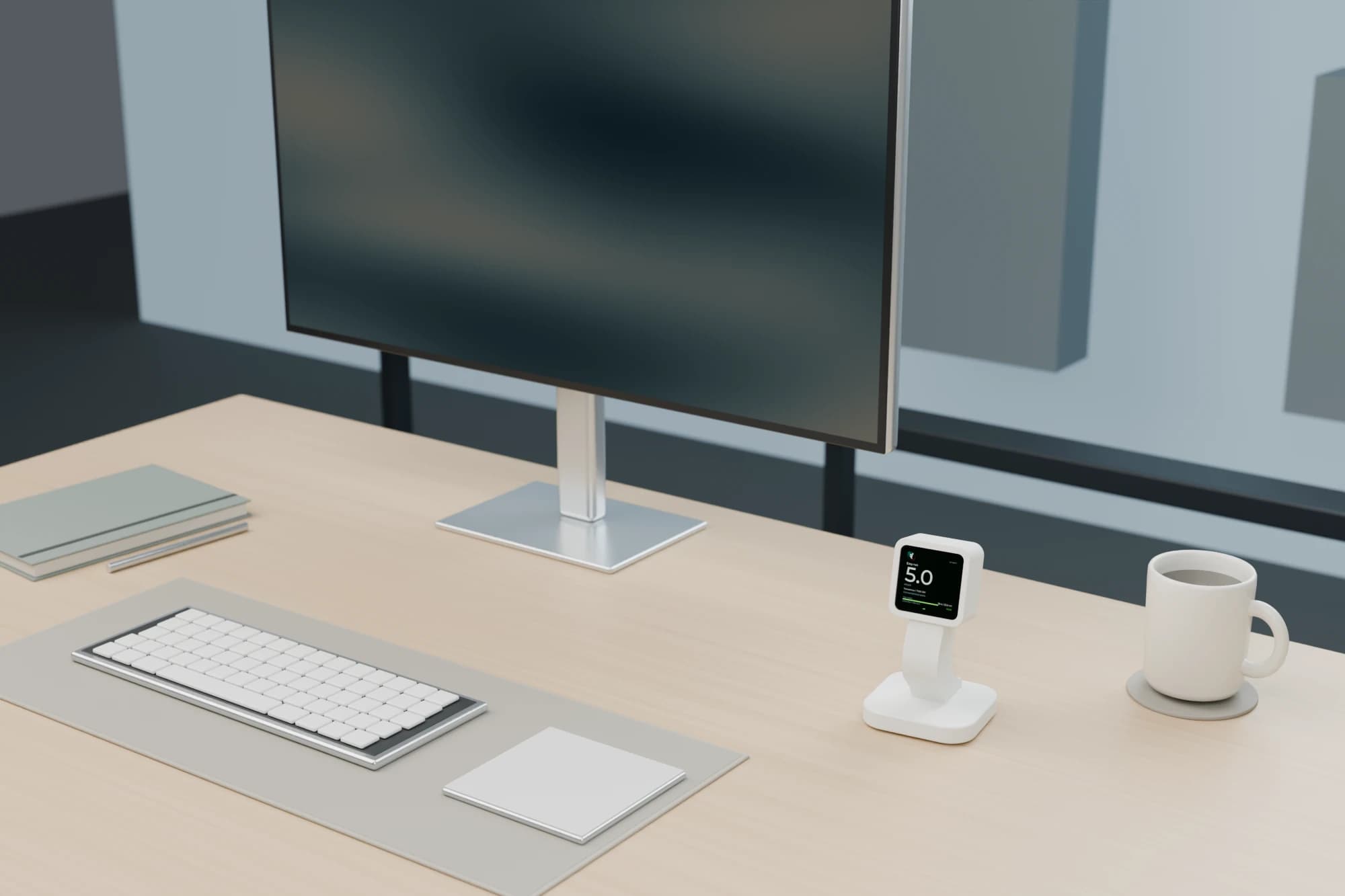
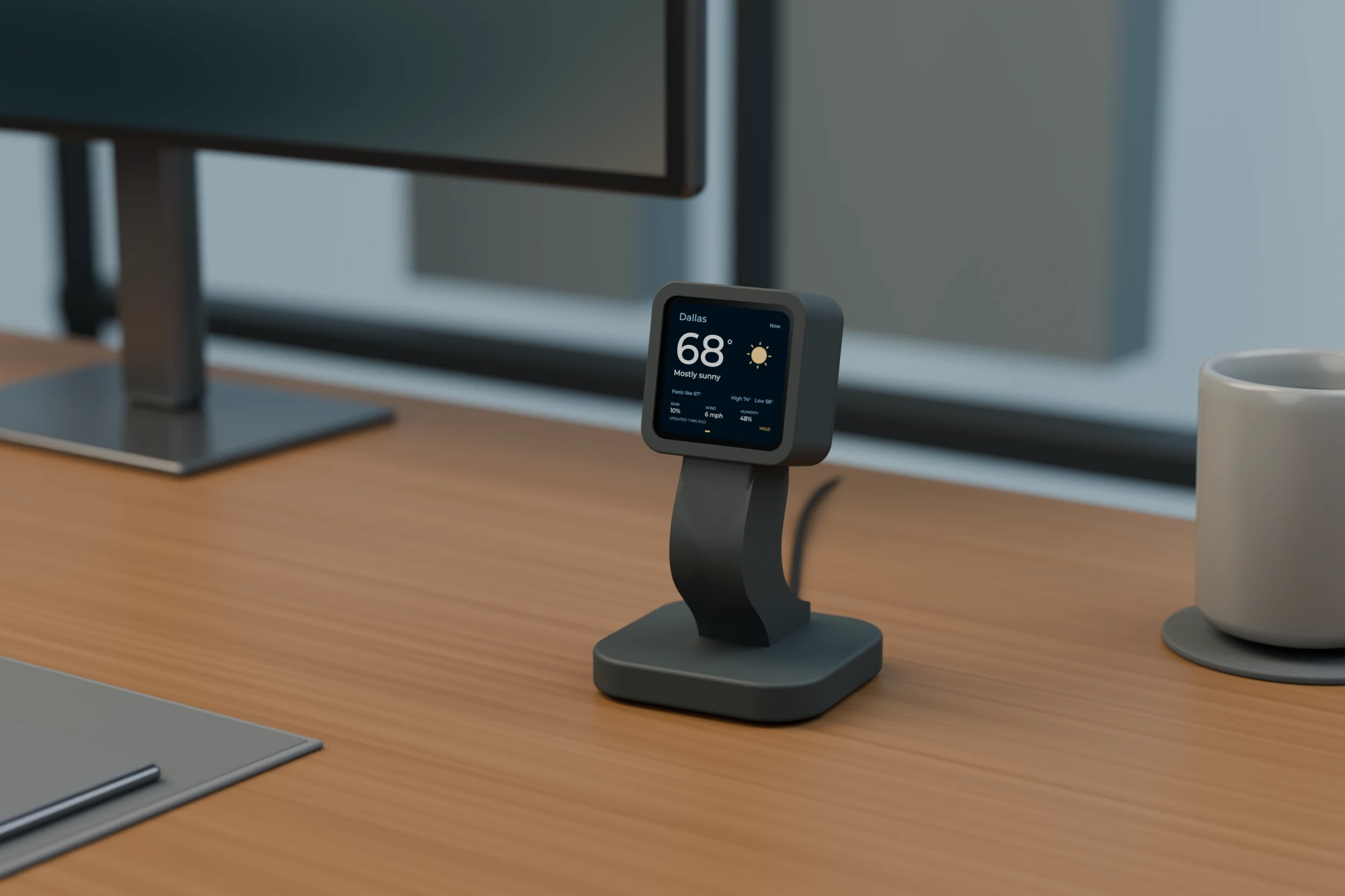
Rendered from the enclosure CAD with example widget data. Finish studies for the print concept.
Inside the display
Seven useful glances.
Time, weather, training, race day, and a little perspective. Explore the native interface, one full-screen widget at a time.
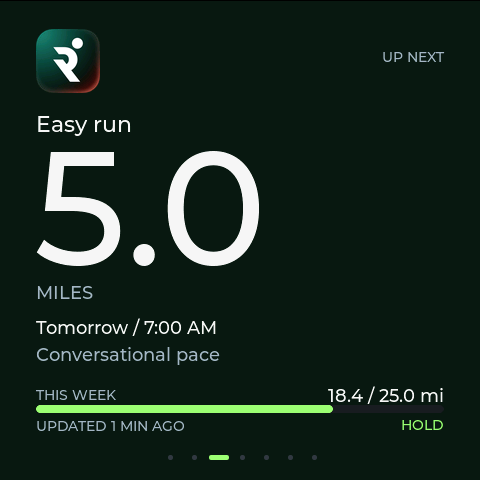
3 / 7 widgets
The next workout, mileage, and a weekly target.
Display visualization
01 / Scope
What I owned
Interface design, native C++ firmware, display integration, data transport, commissioning, and enclosure CAD.
Problem
Carry the useful parts of the wide e-paper dashboard onto a small square screen without shrinking every widget into something too small to read.
Built
Built seven native LVGL views for clock, weather, Runna, training, the NYC Marathon, time progress, and Claude usage. Each fills the 480 × 480 canvas, with its own color hierarchy and recognizable service artwork.
Outcome
A commissioned ESP32-C6 dashboard with a rotating widget carousel, saved Wi-Fi reconnect and live updates on the current LAN, a verified USB data path, and clock restoration from the onboard RTC after a restart.
Engineering constraints
The conditions that
shaped the system.
A 2.16-inch square canvas needs one clear focal point at a time, rather than a compressed copy of the wide e-paper layout.
The ESP32-C6 memory budget rules out treating the display like a desktop browser; draw buffers and capture transport must stay bounded.
Unavailable measurements must stay unknown, and cached personal summaries must remain visibly stale rather than appearing current.
Private feeds require the Mac bridge to remain awake and reachable. Battery runtime, the office network, and physical touch gestures remain unverified.
02 / Key decisions
Tradeoffs made explicit
One widget at a time
A carousel gives every widget the full screen. Large figures, short supporting labels, and a consistent footer carry the hierarchy across all seven views.
Color with a purpose
Weather, training, race day, and tool usage each have a distinct palette. Official brand artwork adds recognition while the current measurement stays the visual focus.
Honest data states
The firmware and bridge preserve the difference between live, cached, and unknown data. A missing value is shown as a dash; a confirmed zero is still a real measurement.
Give the screen a home
The enclosed Perch concept wraps the board in a fitted shell, raises it above the desk, and routes the USB-C cable through the support and base. Matte white and graphite are explored in CAD finish studies.
Verify the transport
USB acknowledgments, local HTTP updates, saved Wi-Fi reconnect, and RTC restoration were checked on the connected device. Private feeds still depend on the reachable Mac bridge.
03 / Under the surface
Architecture
- ESP-IDF C++ firmware with LVGL rendering, a CO5300 QSPI display, and CST9220 touch-controller initialization
- Two 24-line RGB565 draw buffers keep rendering within the microcontroller memory budget
- An allowlisted JSON summary bridge supplies time, weather, training, fundraising, and usage states over USB and local HTTP
- UTC is saved to the PCF85063 RTC; startup rejects an uninitialized clock or oscillator-stop flag
Validation
- All seven native display-draw captures were reconstructed from the connected board on September 29, 2026
- 99 bridge checks passed on September 30, covering data freshness, Runna completed mileage and retained weekly targets, provider cooldowns, and reconnect behavior
- Weather, training, and fundraising poll every three minutes; Claude usage polls every fifteen minutes with persistent rate-limit backoff
- On-device horizontal transitions produced 13 frames over 498–516 milliseconds at brightness 100
- Saved Wi-Fi reconnect, live updates on the current LAN, USB acknowledgments, and RTC clock restoration after a restart were verified
- C++
- ESP-IDF
- ESP32-C6
- LVGL 9
- QSPI
- Python
- USB Serial/JTAG
- Wi-Fi
- HTTP
- RTC
04 / Result
The native interface was flashed to the connected board and all seven display-draw captures were checked. The website tour runs the same UI design with curated example data; it is a visualization, not a photograph or live device feed.
Explore the seven screensEVIDENCE & BOUNDARIES
What this work demonstrates.
All seven native display-draw captures were checked on the connected ESP32-C6 board on September 29. Saved Wi-Fi reconnect, updates on the current LAN, USB acknowledgments, and RTC restoration were verified. On September 30, 99 bridge checks passed and corrected Runna weekly mileage was verified through a native device capture and successive scheduled fetches. The enclosed Perch CAD supplied all three office renders, with unchanged product geometry.
Shrink the whole dashboard, or give each widget the screen?
- Decision
- Use seven full-screen views with a shared carousel, clear visual hierarchy, and explicit data freshness.
- Tradeoff
- Only one widget is visible at a time. Rotation and manual navigation trade simultaneous overview for figures that remain readable on a small display.
Scope & limitations
The office scenes are CAD renders of a print concept, with native LVGL screens and curated example data. They are not photographs or live readings, and do not establish printed fit, cable installation, finish quality, or optical display quality. Private feeds require the Mac bridge to remain awake and reachable. Battery runtime, the office network, and physical swipe/tap behavior remain unverified. Claude usage can remain stale during a provider rate-limit cooldown.
- Waveshare board documentation
Display, processor, touch controller, RTC, power-management hardware, and board interfaces.
- Waveshare board support
Official display and peripheral examples used as the starting point for the native firmware.